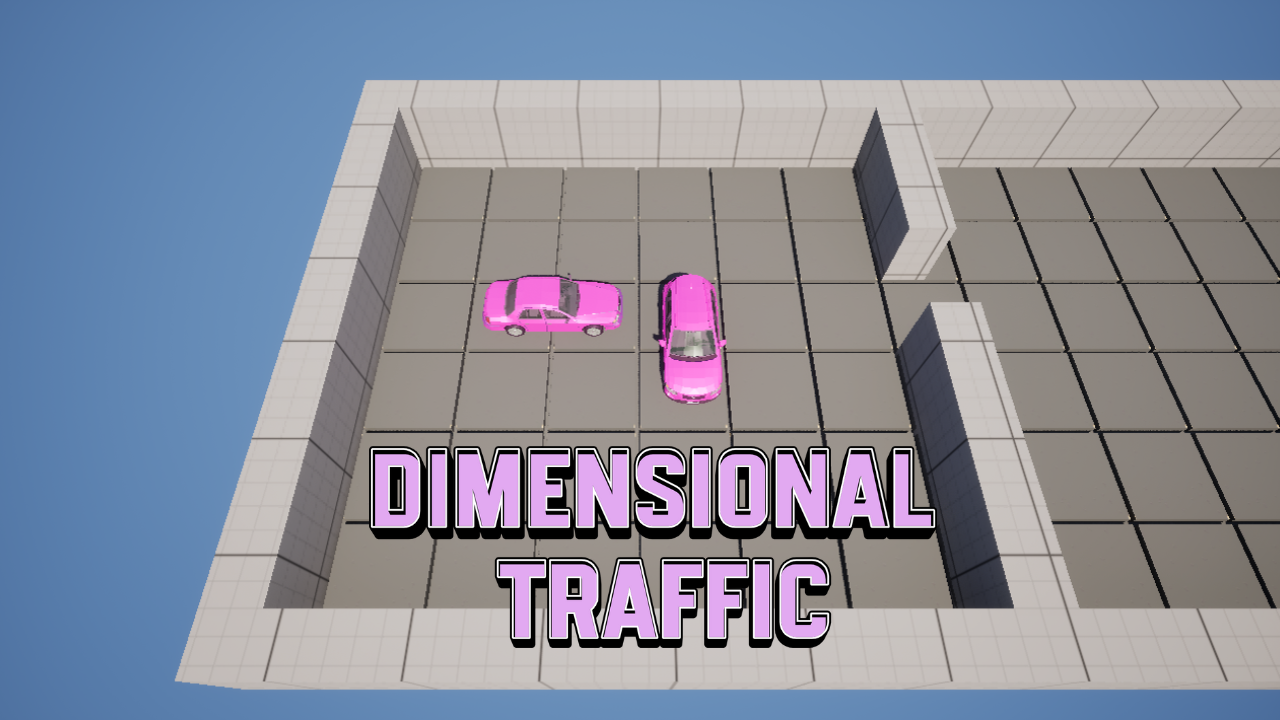
Dimensional Traffic
A downloadable game for Windows
Multidimensional traffic puzzle where the player must switch between dimensional filters to reveal otherwise invisible obstacles. The goal is to clear a path for the player’s car to pass through traffic by solving each scenario as a logical puzzle. Strategic switching between the Blue Dimension, Red Dimension, and Purple Dimension is required to understand the full traffic layout.
---
Car Selection
Left-click with the mouse to select a car.
You can select:
Regular cars to move them out of the way.
The player’s car to move it toward the exit.
---
Movement
After selecting a car:
A / D → move horizontally
W / S → move vertically
---
Dimension System
Traffic exists across multiple overlapping dimensions.
Normal Dimension
Default puzzle view.
Blue Dimension
Press C to enter.
Allows you to see and interact with blue cars.
Press C again to return to the Normal Dimension.
Red Dimension
Press Z to enter.
Allows you to see and interact with red cars.
Press Z again to return to the Normal Dimension.
Purple Dimension (full visibility)
Shows all cars from all dimensions at the same time.
You cannot interact in this dimension.
Can be accessed by:
Pressing Z while in the Blue Dimension.
Pressing C while in the Red Dimension.
Use the Purple Dimension to understand the complete traffic layout before making decisions.
---
WIP – Work In Progress
This is Version 1 of the project.
Some planned mechanics have not yet been implemented and may be incomplete or subject to change. The goal of this version is to validate the core concept and the foundational experience of the multidimensional puzzle.
Asset Credits
This project uses asset packs from Synty Studios:
POLYGON City Pack
POLYGON Town Pack
All assets are used under their respective licenses.
Download
Install instructions
1. Extract the contents of the MaskProject-v1.zip archive.
2. Navigate to v1 → Windows → MaskProject and run the game executable.